



Manually Install Ubuntu from an ISO in VMmanager 5
- Published in Wiki
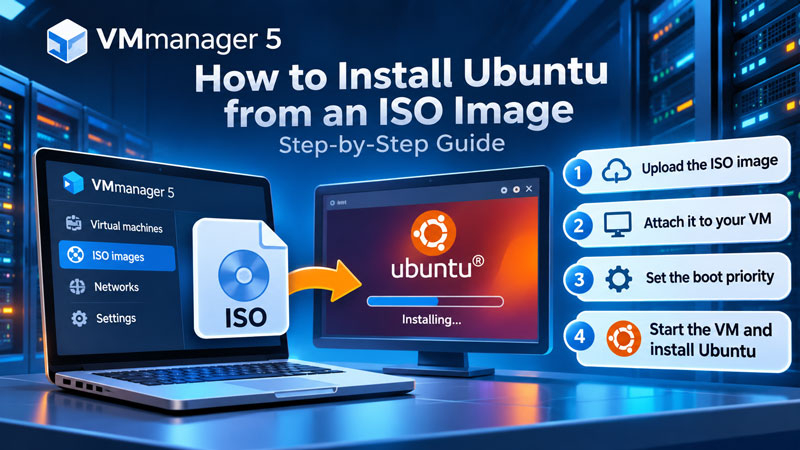
How to upload an installation image, attach it to a virtual server, and start the operating system installation.
If the required Ubuntu version is not available among the templates for automatic reinstallation, you can use an installation ISO image instead. This guide outlines the general procedure in VMmanager 5.
Before you begin Installing or reinstalling an operating system may erase data on the virtual server. Back up all important files first. You will also need permission to manage the VDS and a suitable ISO image.
Read more...
Temporary Issues with the VMmanager Control Panel
- Published in Новости
We are currently experiencing technical issues with the VMmanager control panel. As a result, certain operations are temporarily unavailable, including opening and managing virtual dedicated servers (VDS), rebooting servers, and performing other tasks through the control panel.